I start: the most important thing is not the desktop, it’s the package manager.
That after getting used to Linux I will hate to be forced to use less free operating systems.
This so much. I absolutely cannot stand Windows anymore.
Windows is so bad
I could but I always get a feeling like I’m being monitored constantly. Like imagine being at work and if you don’t move your mouse for a few minutes you’d get a warning or something. Or remember using a computer at school where the teacher could literally see the screen of every student, yeah like that.
Once you go FOSS, you never go back.
I guess the main things would be:
- As a beginner, don’t bother trying to dual boot – If you still need a Windows box, get some cheap hardware to do your Linux work on. It’s too easy to screw up both systems otherwise.
- Don’t get too hung up on a specific distro, the better you are at dealing with different configurations, the better prepared you will be for whatever comes. Once you’ve gotten one set up, don’t be afraid to just try a different one.
I never had a problem dual booting, even as a beginner. I always kept everything on two separate drives, though, each with their own EFI partition.
I kept them on the same drive, different EFI partitions.
I’ve also always done dual boot on one drive, no real problems other than when I know I caused the problem.
Also… What’s up with that user name?
I did the opposite, have always dual booted my laptops and had win on my PC until quite recently now that I’m comfortable enough not to need a safety net anymore
If you have the space for a spare I much prefer hot swapping hard drives. it’s a little physical inconvenience but much harder to screw anything up. plus, full disk encryption is still an option
How to quit vim.
Used to use gedit, the found nano and it was awesome. Then found Vim… I RAN back to nano haha
Try micro.
It’s much better and quite easy if not easier to use than nano. It should really be the default simple editor.
This looks cool! Thanks!
I hear you 😁. For whatever reason I stuck with the Vim tutorial and did it a few times over the years. Now I’m using the IdeaVIM extension in IntelliJ - that mode system is just sooo powerful. It has a horrible learning curve, yes, but if you manage to stick with it, it pays huge dividends. I probably know, like, 18% of all commands, and it completely changed how I edit files (mostly for coding, but also text).
Alright alright. You win haha seriously, you’ve convinced me to give vim another chance.
Use vimtutor. It comes with vim and teaches you to the basic vim commands from within vim.
And don’t worry about exiting vim, that’s lesson 1.2 :)
Hahaha!!! I actually know how to exit Vim. Had to learn it when setting up a server config on a server that only had Vim installed. Once set up, nano got installed.
This vimtutor looks pretty awesome, and I can’t wait to get learning on it. In all honesty, vim does looks super helpful. It’s just that I usually use text editors to quickly setup configs, when gui won’t do or I’m just done with gui for the moment. During those times, my patience is usually low, and searching how to save or quit or open or do any other basic functionality, reduces that patience further. But vimtutor makes it a point to learn vim when I’m not trying to get in, get it done, and get out. This may work for me. I may actually learn vim!
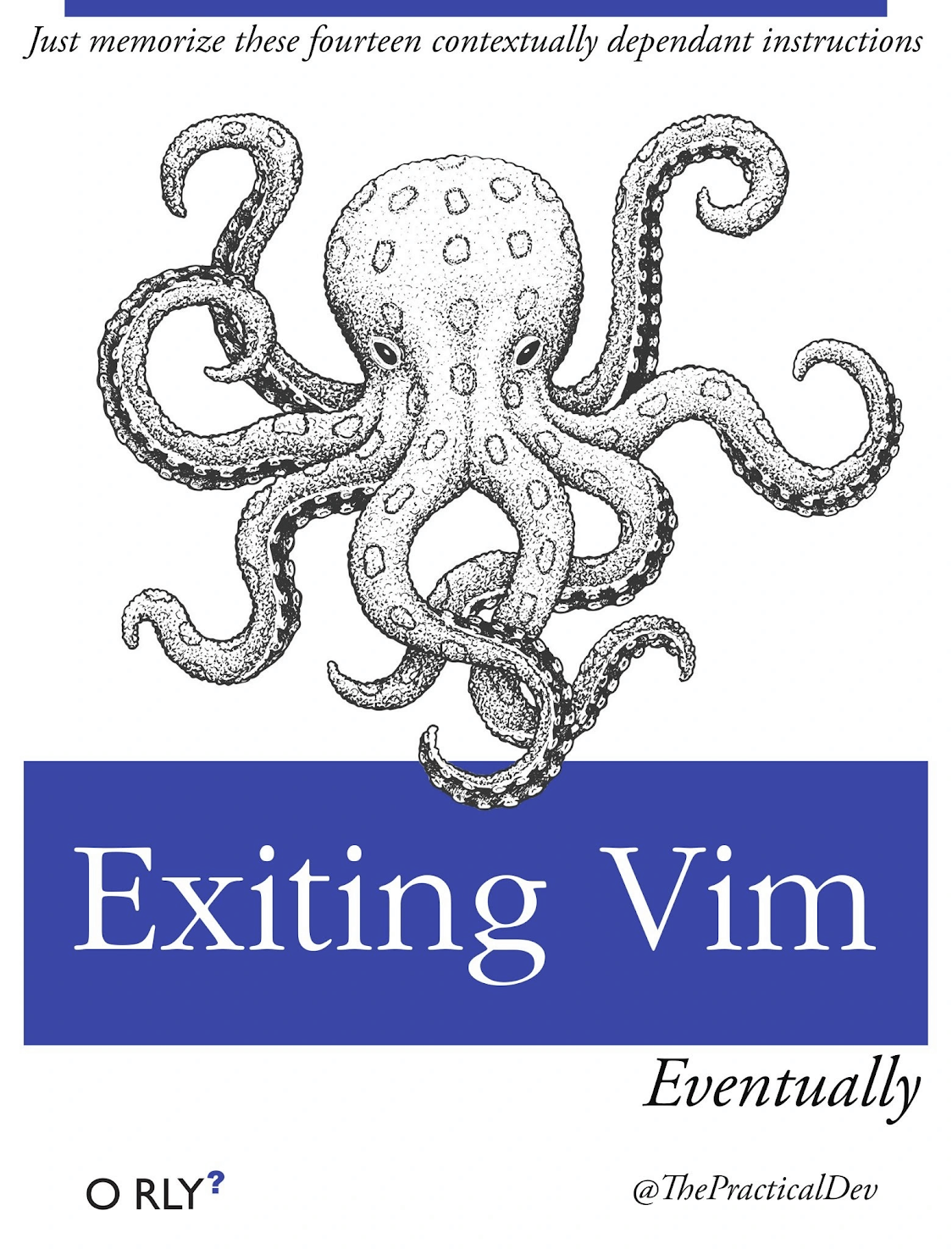
Just read this book:
I vaguely remember pressing Alt+F4 while trying to close vim in a terminal once. It did switch to me login prompt so I thought it worked.
I remember, back in the day, I asked on IRC how to edit a file in Linux. Someone said vi. Little did I know that in chat someone said, the next question is how do I quit. I asked that exact question. Yes chat erupted.
For people who actually don’t know this, yet: Type
:x.
This means “eXit, save any changes”If you want to leave and discard your changes, type
:q!
The:qmeans “Quit”, without any other instructions. This will warn you if you changed anything, adding!means “force this command”.
That I could put /home on a different drive
That I would never boot into Windows again so having partitions for it was a waste of time
That mounting drives with their uuid as the mount location is insaneThat mounting drives with their uuid as the mount location is insane
Why tho? Kernel sometimes can index drives in different order (if you have multiple drives), screwing your mount locations. But UUID is always the same
It’s just really long is all. I wish I had given it something shorter but descriptive.
You can give your partitions labels and mount by label. Labels are persistent, like UUIDs, but are also easier to remember and copy.
But why would I even try to remember them? Just look them up. Nowadays I don’t even see them since I use Gnome Disk Utility or KDE partition manager to automount them (they both just write to your /etc/fstab)
But why would I even try to remember them? Just look them up.
For me, I used labels when setting up those volumes manually. Creating a LUKS container, setting up LVM groups and volumes, configuring my bootloader to decrypt the correct encrypted disk, etc. It was just easier to remember which device label was my encrypted container, which was the group, and what the different volumes were. And once the labels were made, well, I just used them.
I learned to never settle. If you don’t like the default workflow of Gnome, try some extensions, or even a different DE. Same with Package Managers. If you don’t like the syntax, make an alias. Don’t just “deal with it”. Windows has brainwashed people into thinking that there is only one way to do a thing.
This is kinda funny to me because I hadn’t realized how terrible the Windows workflow was for me until Gnome 3 came out.
Ever since, while I’ll use extensions for stuff like alphabetical app grid and Caffeine, I never do anything that changes the Gnome workflow. It’s not for everyone, but it absolutely is for me.
Its why I always find it funny when people complain about changes to the start bar, because surely there isnt a bunch of 3rd party options in existance that change it, and can mimic 7’s start bar.
I have heard that shell replacements are often very buggy on Windows.
See I’ve run into an issue now where I like and am used to GNOME, but I also want to try a tiling WM and doesn’t seem like there’s really a good way to do that in gnome
You can install the tiling WM and try it seperately. Might even be possible to combine them too, but that might get pretty involved and hacky since Gnome doesn’t like it when you stray from “the path” that they deem correct.
I’d probably just do one or the other, don’t want to be using nonstandard stuff within my non-standard stuff
I know XFCE is a popular choice for people who want to add a tiling WM. That was a combo that I heard about quite a bit in the past if that’s something you’d wanna try. XFCE + i3 might be nice.
Oh you poor soul. :(
Linux is pretty easy to use nowadays. The only thing I would check before switching is driver compatibility.
It was free, I could not afford a Sun workstation and Minix had problems, so when this Finnish guy wrote in Usenet that he was working on a free kernel/OS, it was cool!
Same!
The biggest bonus to the democratic world stems from just one individual. And the rest of the world believing in his idea.
So never say that just you cannot make a difference in this world.
Because you can!
386BSD was a thing back then too, but there was the AT&T lawsuit that scared everyone away. That gave Linux an opportunity.
Distrobox exists, so one is not bound to use a specific distro just because it packages some of the apps/binaries they require.
Installed distrobox on NixOS because I was worried being limited to only nixpkgs and have not touched it once lol
Same goes for the windows VM except for the time I needed to run excel macros for work
Worried about being limited to only the biggest selection of packages available. Does not compute.
I’d never heard of nixpkgs before so thought it was some small niche thing
I did on my Nix, there was a package in Nixpkgs that was outdated, so I had the opportunity to use distrobox for that, at leqst temporarily until they update the package.
Thats been a fear of mine moving to nixos. Glad to know it’ll cover most of my software needs.
So enjoying immutable fedora with AUR support. Cannot be overstated…
Yeah, Arch Linux is beautiful as a container OS. I use it all the time.
deleted by creator
Am I reading the readme correctly in that I can run apt-get within distrobox on Fedora, and not be limited to dnf packages?
You can install Distrobox on Fedora (or any of the distros that support it), create a Debian distrobox on your Fedora install, and within the Debian distrobox you can use
apt-getto install whichever Debian package you like. Or…, you could make an Arch distrobox and even install stuff from the AUR. Or really any package from any of your favorite distros as long as it’s supported.Awesome! And it’ll be segregated from the base system and from other containers, like toolbox installs are?
And it’ll be segregated from the base system and from other containers, like toolbox installs are?
Exactly. It’s even possible to segregate it beyond what Toolbx has been able to do (at least since the last time I checked) in that you can define another folder/directory as your HOME directory within the distrobox.
Amazing!! Yup. Looks like this is getting installed on my Fedora tonight. Thanks!!
Glad to be of help 💙 ! Feel free to inquire if you so desire 😉 .
I appreciate that!
Yes!
Trying not to make it windows.
There’s a lot of conveniences that Windows comes default with.
When I switched to Linux, my immediate goal was to find alternatives for EVERYTHING. That lead to being disappointed by a lot.
Understanding Linux and also recognizing there’s a lot of shit I don’t need (that windows was giving me for the sake of VALUE) was a game changer.
Understanding Linux and also recognizing there’s a lot of shit I don’t need (that windows was giving me for the sake of VALUE) was a game changer.
This 100%! After using Linux for the past few years I’ve realized a lot of the crap windows has by default is stuffed in there to have something to market.
Rasberry Pi or other NUC is a great way to begin.
By the time you’ve dressed out an Rpi to be halfway usable, you’ve spent about as much as a decent NUC. And all you have to show for it is a slow-as-mud sd card, hardly any video acceleration, a USB stack that only crashes sometimes, a busy OOM killer, and no software.
Get an N95 based nuc. A Beelink with 8/256 runs about $150, and it just works. (Well, you might need pcie_aspm=off).
yeah, RPI is just ‘cookbooked’ due to fixed hw
- tab completion in bash
- vim
- zfs
- git (though it didn’t exist then)
a real og
I wouldn’t use ZFS. Too risky. If a new kernel comes along and ZFS fails to build or something, my system will be unbootable.
Btrfs scratches my copy-on-write/checksum/integrated RAID itch well enough anyway.
I’ve been fuckin with btrfs so far haven’t tried zfs yet. Anything cool compared to btrfs?
In contrast to btrfs it doesn’t break your data. Everyone learns the hard way not to use btrfs…
Btrfs was the best filesystem I had used up until it corrupted my data.
Not breaking your data, that is a pretty cool feature
It was ~20 years ago so my advice to myself then would be pretty irrelevant now. I messed up my laptop, and my advice then would have been don’t start with a laptop (because laptop compatibility was lacking back then compared to desktop, different times).
Laptop compatibility still sucks at times, especially with weird configurations of amd apu and nvidia gpu laptops… or maybe it’s just my skill issue.
NVIDIA’s contempt for the Linux community is legendary. Definitely not a skill issue.
Skill issue
Nah but seriously Nvidia loves to make it difficult and Linux doesn’t make it any easier. It’s like an unstoppable force meets an unmoving object
“20 years from now, people are still discussing moving to Linux!”
People who wanted Linux on the desktop to be so user-friendly their grandma could use it are now grandparents.
And 20 more years there will still be people switching
There will be dozens more people switching. Dozens!
That even though you are running an LTS version of Ubuntu (e.g. Ubuntu 22.04), some packages that have arrived over a year ago on e.g. 23.10 will never arrive on 22.04.
Example: i3-wm 4.22 or up (https://packages.ubuntu.com/search?keywords=i3&searchon=names&suite=jammy§ion=all).
This is mine. This is fine for my server, where I want it to be mega stable and always up. I can always add other repos for the few packages that I need to be up to date for whatever reason (podman for me recently). But my daily driver needs quicker updates than that.
That’s the whole point of an LTS distro. And it’s why non-rolling distros for desktop OSes make no sense
After switching to Linux I wish I knew how to report bugs. I’m a qa tester and I notice so many little things that can be replicated and fixing them would polish the user experience. But there are so many layers I don’t know who to report the issue to. My first thought wasto report it to the distro forum and have the more technical people there take a look at the issue then escalate it to the distro maintainers or the actual software devs.
Another thing I wish I knew, was how to get my 2nd hdd to mount automatically. I fucked to my system 4 times(and recovered it) trying and then had to get my sys admin friend to do it for me.
Reporting KDE bugs is still extremely inconvenient.
There should be a 1-click option just to submit an automatically collected data dump, maybe with an optional text field we can write. Just to help providing some data, without all the hassle of creating an account, answering N questions, and following up with answers - sometimes I do care about the issue, most times I don’t, but still want to flag that something wrong happened so they’re aware of it.
I have the impression that a lot of bugs and random crashes go unnoticed because users don’t bother to go through the process of opening a bug report - and they shouldn’t need to, nor know how to.
My first time I was presented with the bug reporter I thought it was cool, but then it said I had to have all the debug symbols installed so it could unwind the call stack. Ok I thought, and searched apt for a little. But I couldn’t find them all as there is not a standard naming scheme, so that effort was wasted. I wish their bug reporter would auto download all debug symbols needed.
Bugs? We call those features around here!