

25·
6 months agoThey are violating the GPL by not including source code for their modifications. I’m not sure about using the word “stolen” in this context though, but I suppose language evolves.
A dick move in any case.
They are violating the GPL by not including source code for their modifications. I’m not sure about using the word “stolen” in this context though, but I suppose language evolves.
A dick move in any case.

Just having VSync on can introduce frame pacing issues. It’s just not an issue if you can maintain the monitor refresh rate consistently, of course. And you can turn it off altogether if you can tolerate tearing.
But that’s the main benefit of VRR for me which is frame pacing at sub monitor refresh rate, rather than latency reduction compared to the various types of VSync.
Triple buffering. Needs to be implemented by the game, not by the OS. Provides maximum frame rate and no tearing with minimal latency.
Vulkan mailbox mode is pretty much this and doesn’t require game support (can be forced on with environment variables if it’s not already being used). And since almost everything is Vulkan on Linux these days, one way or another, that covers most games (might be compatibility issues in rare cases).
Plasma wayland has an automatic mode which should at least turn off VRR during desktop usage, as long as the application window isn’t fullscreen. A hacky way that can help when VRR is active is to increase the minimum frequency and kick into LFC more readily, by creating a custom EDID (you can also do a sysfs edit historically but I think that’s AMD only).
That’s only really viable if you have a high refresh rate monitor with a large range. I’ve found that 120hz may not be enough (since you may end up with gaps where VRR doesn’t work if the range is too narrow), which is of course the most common OLED TV refresh rate. In my experience a minimum of >=54hz minimises the flicker, but that may vary with the display.
There’s also an issue with cursors where moving the mouse can make the refresh jump to the maximum. It only affects desktop usage and some games (RTS and the like, not usually FPS camera usage). There are fixes coming for this with Plasma I believe, but I’m not sure about Gnome. Forcing a software cursor may help, as others have indicated.
Some users are reporting gyro working for some of the controllers. It’s early days anyway (I tested it and it’s all broken for me on the Vader 4 Pro).
I have the Vader 4 and there are some reports of gyro working too. It’s no replacement for my steam controller(s) due to the lack of touchpads, but it’s probably the highest quality conventional controller I’ve owned in terms of build quality, so good to see support.
On this change, it seems it only affects pre-RDNA1 AMD GPUs and so the feature should continue to work on other GPUs. See: https://github.com/doitsujin/dxvk/pull/4763/
The proton logs are fairly inscrutable, and probably aren’t helpful if it’s a driver issue.
There’s a big discussion on the Proton issue tracker that may include your problem.
Looking at the specs:
Positives:
Negatives:
Neutral / unknown:
Going by the Verge review of the Windows version of the hardware, it seems the SOC of this isn’t that powerful (and may even be outperformed by the Deck when rendering at 720p on both systems with some games): https://www.theverge.com/reviews/617613/lenovo-legion-go-s-review-feels-good-plays-bad
They did see framerates improve with Bazzite, so presumably the Steam OS release will have similar improvements.
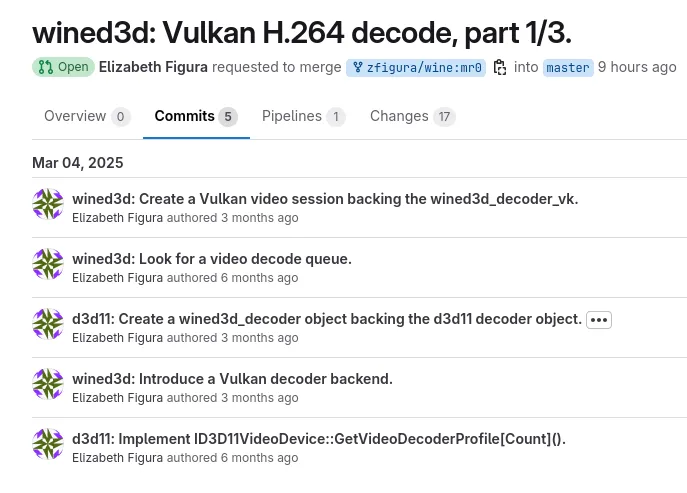
Essentially, although it depends on the specific issue. I don’t think hardware decoding with Wine is well supported either, so this should help with performance in the case of slow CPUs (or very high resolution / frame rate video).
If nothing else, the wrapper can just focus on translating to Vulkan Video, which should simplify things significantly.
Jumping around a room exhausting yourself is kind of the antithesis to that.
I’m not sure what games you’re playing, but most are what would be considered light to moderate exercise (unless you’re playing fitness focused games at a high level), hardly something that is going to exhaust yourself. I’ll add that many VR games are standing or sitting experiences (or are room scale but require nothing more than walking).
Nevertheless, there are barriers like the weight and heat of the headsets (and the price) so I don’t disagree that it’s not mainstream.
Unless you’re just playing dumb, you should be aware that it has been removed from Windows 11. You can hold back the update for now at least (or stay on Windows 10).
Anyway Monado is coming along nicely, but unless Valve and the other companies they are involved in it start throwing more devs at it, there’s not much more that can be done.
I’d say the peripheral situation could be better too, such as sim racing gear. Logitech support is solid and looks decent with Fanatec at least, but there’s a lot of options out there that are unlikely to have good Linux support.
I tested out Monado recently with the Reverb G2 and it’s coming along nicely. It’s definitely not ready yet, but hopefully it will be within a few years.
Never heard of it, what’s your reason for picking this one? Looks like it’s an Arch derivative, but the site doesn’t tell me much about what’s supposed to set it apart from vanilla Arch.
It’s a performance orientated distribution with a significant amount of kernel patches and other tweaks. Whether it’s worth it is arguable, but using their kernel at least isn’t a bad idea.
deleted by creator
It’s nice even on the Deck if you want a bit more customisability. It also fixed an issue with Pipewire a few versions back with my somewhat non-standard config, although it’s probably fixed with SteamOS by now.
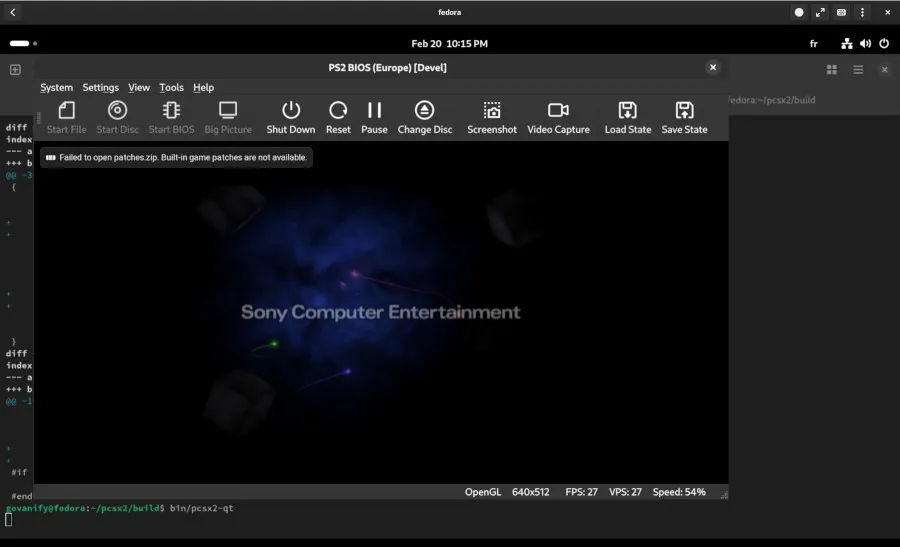
Nice to see, but it’s pretty far behind the Windows version at the moment because the Vulkan renderer isn’t as accurate and doesn’t support upscaling.
And since vkd3d-proton started working with the emulator recently, that means the D3D12 renderer works using the Windows version, yielding much better compatibility and graphical quality.
Yep. And combined with obsidian you can mostly rely on open source apps.
I’ll add that the kernel implementation wasn’t fully completed until Linux 6.14, which isn’t released yet.







FlyDigi Vader 4 Pro now working for me. A few things that are needed:
KERNEL=="hidraw*", ATTRS{idVendor}=="04b4", ATTRS{idProduct}=="2412", MODE="0666"(get the
idVendorandidProductfromlsusbif you have a different controller)inputgroup.One last thing that may or may not be needed is that I installed the SpaceStation app on Windows to test some things. It started working after that but I can’t recall if I force reloaded the udev rule so it might have just been the reboot that fixed it.
Anyway, now I have gyro + all extra buttons working with Steam Input.
See here for further discussion: https://github.com/paroj/xpad/pull/268